USB-C charging has evolved rapidly over the last few years. If you’re comparing modern chargers, you’ve probably seen terms like PD 3.0 and PD 3.1. But what is the real difference between PD 3.0 vs PD 3.1, and does it actually matter for your devices?
In this complete 2026 guide, we break down everything you need to know about USB Power Delivery 3.0 and USB Power Delivery 3.1, including wattage limits, voltage changes, compatibility, cables, and whether upgrading to PD 3.1 is worth it.
What Is USB Power Delivery (PD)?
USB Power Delivery (PD) is a fast-charging protocol built into USB-C that allows devices and chargers to negotiate voltage and current dynamically.
Instead of sending fixed power like older chargers, PD adjusts output depending on device needs. This makes charging safer and more efficient.
If you’re new to fast charging, read our detailed guide on
How Fast Charging Works.
What Is PD 3.0?
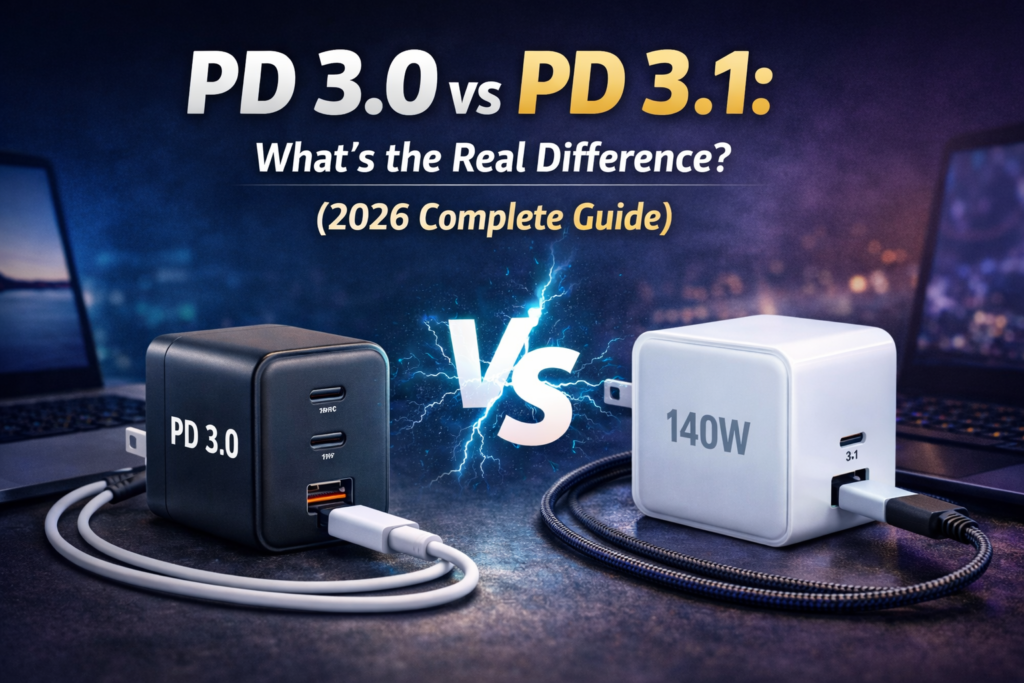
USB Power Delivery 3.0 was the dominant standard for years. It supports up to 100W of power using 20V at 5A.
- Maximum Power: 100W
- Voltage Range: Up to 20V
- Widely compatible with laptops, tablets, and smartphones
- Supports PPS (Programmable Power Supply)
Most 65W and 100W chargers today use PD 3.0.
See our guide to
Best 100W USB-C Chargers for examples.
What Is PD 3.1?
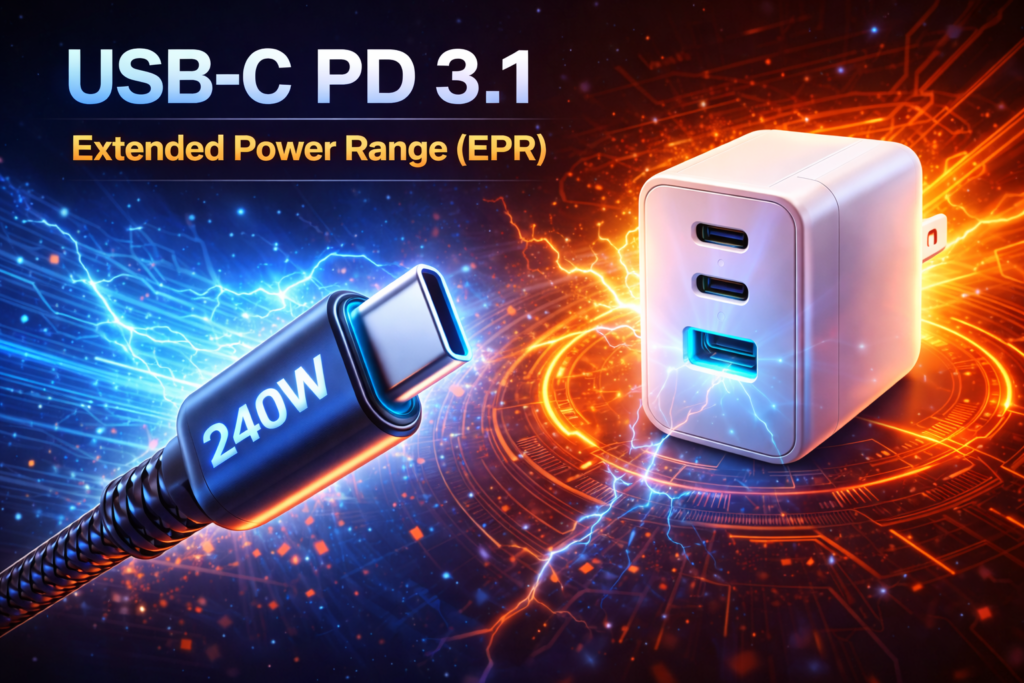
USB Power Delivery 3.1 introduced a major upgrade called Extended Power Range (EPR).
PD 3.1 increases maximum charging power to 240W, supporting new voltage levels:
- 28V
- 36V
- 48V
This allows high-performance laptops and future devices to charge faster and maintain performance under heavy load.
PD 3.0 vs PD 3.1: Side-by-Side Comparison
| Feature | PD 3.0 | PD 3.1 |
|---|---|---|
| Maximum Power | 100W | 240W |
| Voltage Levels | Up to 20V | Up to 48V |
| Extended Power Range | No | Yes (EPR) |
| Typical Use | Phones & Laptops | High-performance laptops |
| Cable Requirements | 5A USB-C Cable | EPR Certified Cable Required |
Does PD 3.1 Charge Faster Than PD 3.0?
Not necessarily.
Charging speed depends on device compatibility. If your laptop supports only 100W, a PD 3.1 charger will not magically increase charging speed.
However, devices that support 140W or more can benefit from PD 3.1 under heavy load conditions.
Do You Need a Special Cable for PD 3.1?
Yes.
PD 3.1 requires EPR (Extended Power Range) certified USB-C cables to safely deliver power above 100W.
Using a standard cable may limit charging to 100W.
Which Devices Actually Need PD 3.1?
- Latest MacBook Pro models with 140W adapters
- High-performance gaming laptops
- Future 200W+ USB-C devices
If you’re unsure, compare power levels in our
100W vs 140W USB-C Charger Guide.
Is PD 3.1 Backward Compatible?
Yes. PD 3.1 chargers are backward compatible with PD 3.0 devices.
Your phone or laptop will only draw the power it supports.
Should You Upgrade to PD 3.1?
You should consider upgrading if:
- Your device supports 140W or higher charging
- You want future-proof technology
- You run heavy CPU/GPU workloads regularly
Otherwise, PD 3.0 remains more than sufficient for most users.
FAQ
Is PD 3.1 better than PD 3.0?
PD 3.1 supports higher wattage (up to 240W), but for most users, PD 3.0 is sufficient.
Can I use a PD 3.1 charger with older devices?
Yes. It is backward compatible and safe.
Does PD 3.1 damage batteries?
No. Devices regulate power intake internally.
Do smartphones need PD 3.1?
No. Most smartphones charge below 100W and do not require PD 3.1.
USB Power Delivery (PD) – Wikipedia
Final Verdict
When comparing PD 3.0 vs PD 3.1, the main difference is maximum power output. PD 3.0 supports up to 100W, while PD 3.1 expands this to 240W with Extended Power Range.
For most users, PD 3.0 remains perfectly adequate. PD 3.1 becomes essential only for high-performance laptops and future devices requiring more than 100W.
Choose based on your device’s power requirements — not just the latest specification.