The Ultimate USB-C & Connectivity Guide (2026 Edition)
USB-C has become the universal standard for modern devices — from smartphones and laptops to docking stations, monitors, and high-power chargers.
However, while the connector looks identical across devices, the technology behind it varies significantly.
This complete 2026 guide explains USB-C, USB4, Thunderbolt 4, Power Delivery (PD), Extended Power Range (EPR), and USB-C cable types in a structured and practical way.
What Is USB-C?
USB-C is a physical connector standard featuring a reversible 24-pin design.
It defines the port shape — not the charging speed or data capability.
If you’re comparing older ports, read:
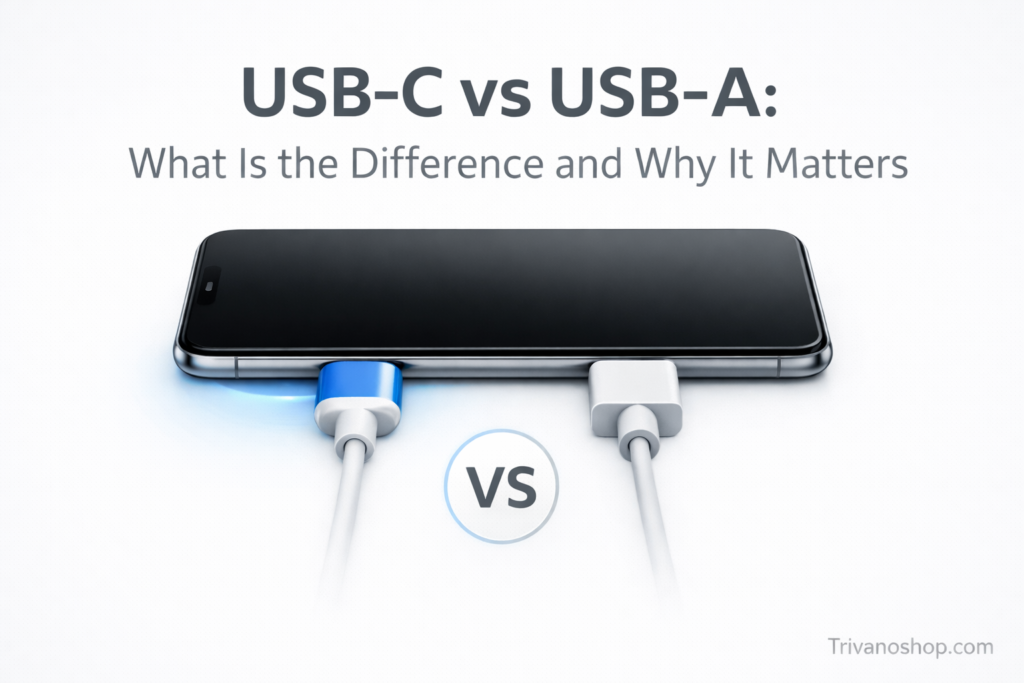
USB-C vs USB-A: What Is the Difference and Why It Matters
.
Understanding USB Data Standards
USB 3.2
Supports speeds up to 20Gbps depending on generation.
USB4
USB4 supports up to 40Gbps and advanced tunneling capabilities.
For a deeper comparison:
USB4 vs Thunderbolt 4 (2026 Comparison)
.
Thunderbolt 4
Thunderbolt 4 guarantees 40Gbps speed and stricter certification standards.
You can also read:
USB-C vs Thunderbolt 4 Guide
.
USB Power Delivery (PD) Explained
USB Power Delivery is a charging protocol that dynamically negotiates voltage and current between devices.
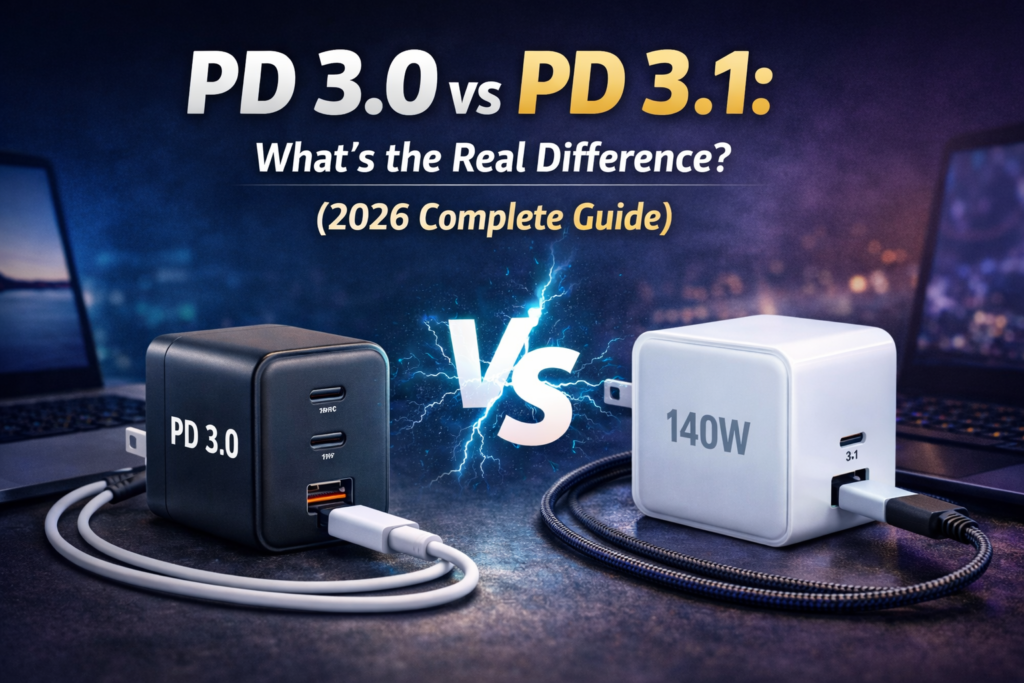
PD 3.0 vs PD 3.1
PD 3.0 supports up to 100W.
PD 3.1 introduces Extended Power Range (EPR) and supports up to 240W.
What Is Extended Power Range (EPR)?
EPR allows USB-C charging up to 240W using higher voltage profiles (28V, 36V, 48V).
This enables high-performance laptops and future devices to charge via USB-C.
Official specifications are maintained by the
USB Implementers Forum (USB-IF)
.
USB-C Cable Types Explained
Passive vs Active Cables
Passive cables work well for short distances and moderate speeds.
Active cables contain signal chips to maintain high-speed performance over longer lengths.
Power Ratings
- 60W cables
- 100W cables
- 240W EPR-certified cables
For full details, see:
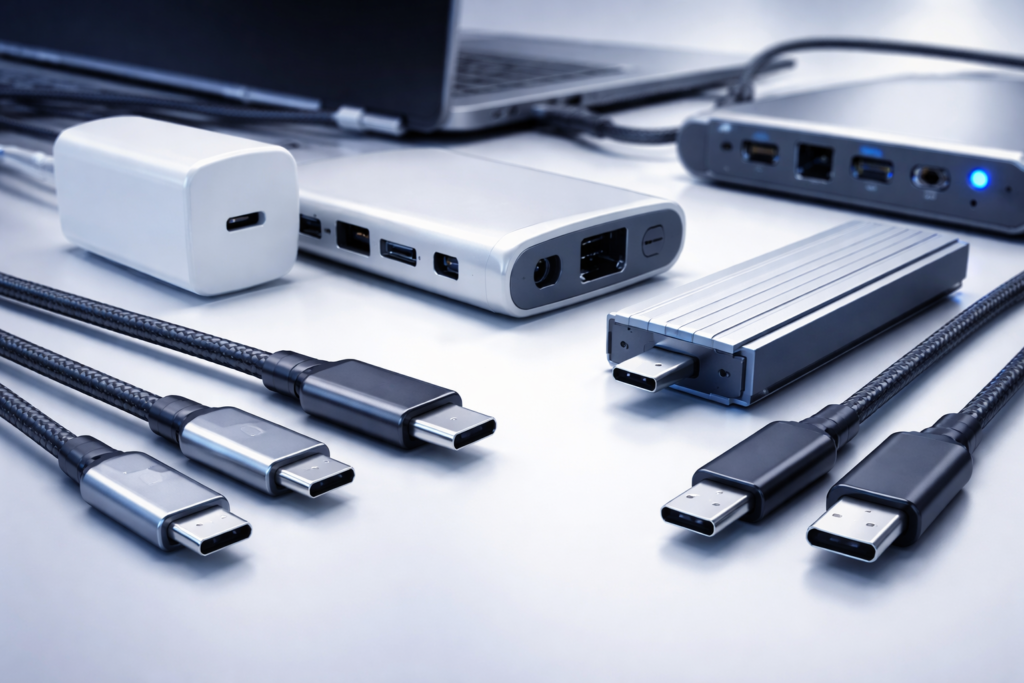
USB-C Cable Types Explained (60W vs 100W vs 240W)
.
Common USB-C Myths
- All USB-C ports are identical ❌
- All USB-C cables support 100W ❌
- USB4 always equals Thunderbolt 4 ❌
- Any USB-C cable can deliver 240W ❌
Frequently Asked Questions
What is the difference between USB4 and Thunderbolt 4?
USB4 can support up to 40Gbps but allows flexibility in implementation.
Thunderbolt 4 guarantees 40Gbps performance and stricter hardware requirements.
Does USB-C automatically mean fast charging?
No. Fast charging depends on the Power Delivery version and charger wattage.
What is USB Power Delivery?
USB Power Delivery (PD) is a protocol that negotiates charging voltage and current, enabling USB-C charging up to 240W with PD 3.1.
Are all USB-C cables the same?
No. They differ in data speed, power rating, and whether they are passive or active.
Final Thoughts
USB-C is the foundation of modern connectivity, but understanding USB4, Thunderbolt 4, PD 3.1, and cable types is essential before buying chargers, cables, or docking stations.