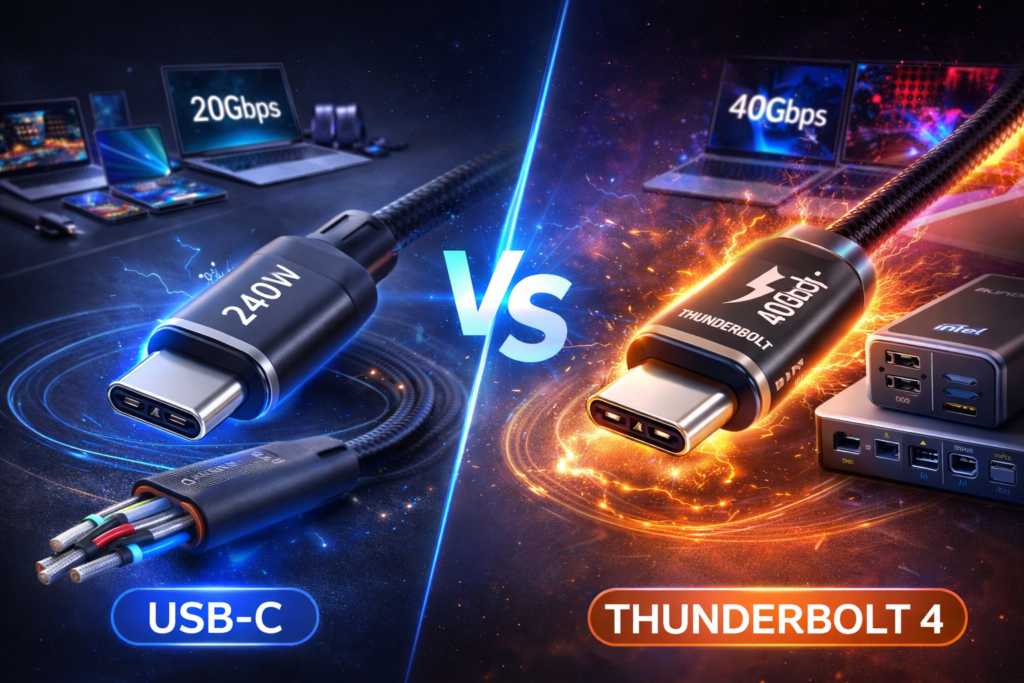
The debate between USB-C vs Thunderbolt 4 is more relevant than ever in 2026. While both use the same USB-C connector, they are not the same technology.
Many users assume USB-C and Thunderbolt 4 are identical because they look the same. However, differences in speed, power delivery, display support, and certification make them very different in real-world performance.
What Is USB-C?
USB-C refers to the physical connector type. It supports various standards such as:
- USB 3.2
- USB4
- USB Power Delivery (PD 3.1)
If you’re unfamiliar with Power Delivery, read:
USB-C PD 3.1 Explained
USB-C cables can support charging up to 240W when using Extended Power Range (EPR).
What Is Thunderbolt 4?
Thunderbolt 4 is a high-speed data and display interface developed by Intel. It uses the USB-C connector but adds stricter performance requirements.
- 40Gbps data transfer
- Dual 4K display support
- PCIe data support
- Mandatory certification
Unlike standard USB-C, Thunderbolt 4 guarantees performance across all certified devices.
For full technical specifications, see the
Thunderbolt 4 official specifications
provided by Intel.
USB-C vs Thunderbolt 4: Speed Comparison
| Feature | USB-C (USB 3.2) | Thunderbolt 4 |
|---|---|---|
| Max Data Speed | 10–20Gbps | 40Gbps |
| Charging | Up to 240W (PD 3.1) | Up to 100W typical |
| External Displays | Depends on version | Dual 4K guaranteed |
| Certification | Optional | Mandatory Intel certification |
Power Delivery Differences
In the USB-C vs Thunderbolt 4 comparison, charging capability is often misunderstood.
USB-C with PD 3.1 supports up to 240W using EPR cables. Thunderbolt 4 typically supports up to 100W charging.
If you’re choosing cables, read:
USB-C Cable Types Explained
Display & Docking Capabilities
Thunderbolt 4 guarantees:
- Two 4K displays
- One 8K display
- Full docking station compatibility
Standard USB-C may support displays, but performance varies depending on the controller and version.
Compatibility
Thunderbolt 4 ports are backward compatible with:
- USB-C devices
- USB4
- Thunderbolt 3
However, not all USB-C ports support Thunderbolt.
When Should You Choose USB-C?
- Phone charging
- Basic laptop charging
- External SSD under 20Gbps
- Affordable accessories
When Should You Choose Thunderbolt 4?
- Video editing
- External GPUs
- Multi-monitor setups
- High-speed SSDs
FAQ
Is Thunderbolt 4 faster than USB-C?
Yes. Thunderbolt 4 guarantees 40Gbps speeds, while USB-C varies by version.
Can I plug a USB-C cable into a Thunderbolt 4 port?
Yes. Thunderbolt 4 is backward compatible.
Does Thunderbolt 4 support 240W charging?
No. USB-C PD 3.1 supports up to 240W, Thunderbolt 4 typically supports up to 100W.
Final Verdict (2026 Update)
In the battle of USB-C vs Thunderbolt 4, the right choice depends on your needs.
If you need maximum data speed and guaranteed performance, Thunderbolt 4 is superior. If you prioritize charging flexibility and affordability, USB-C with PD 3.1 is often enough.